



When it comes to academic writing, students often look for tools that can save time, improve quality, and help avoid mistakes. Two of the most popular platforms in this space are Grammarly and QuillBot.
Both tools are powerful, but they serve different purposes. Understanding their strengths and limitations can help you choose the right one—or even use both effectively.
In this detailed guide, we’ll compare Grammarly vs QuillBot across features, pricing, use cases, and overall value for students.
Understanding the Core Difference
At a basic level, QuillBot and Grammarly are designed for different stages of the writing process.
QuillBot focuses on rewriting and restructuring content. It helps you paraphrase sentences, summarize information, and generate citations. This makes it especially useful during the drafting phase.
Grammarly, on the other hand, is designed for editing and polishing. It checks grammar, spelling, tone, and clarity, ensuring your final submission is error-free and professional.
Instead of competing directly, these tools complement each other.
Feature Comparison Overview
- Primary Strength
QuillBot: Paraphrasing, summarizing, and rewriting
Grammarly: Grammar correction, tone detection, and clarity - Best Use Case
QuillBot: Drafting and improving sentence structure
Grammarly: Final proofreading and editing - Plagiarism Detection
QuillBot: Limited plagiarism checking
Grammarly: More advanced and comprehensive checks - Unique Features
QuillBot: Citation generator, multiple rewriting modes
Grammarly: Tone detector, formality level suggestions - Pricing
QuillBot: More affordable (~$4.17/month)
Grammarly: Higher cost (~$12/month)
This comparison highlights that each tool excels in its own area.
Why QuillBot Is Great for Students
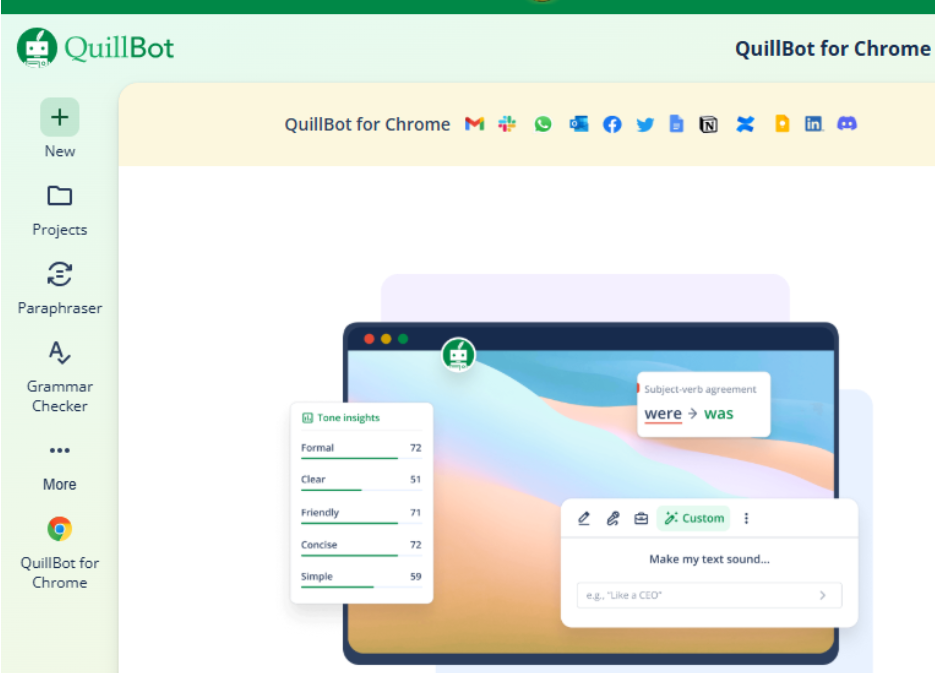
QuillBot is particularly popular among students because of its ability to simplify and restructure content. Writing assignments often require rephrasing information from sources, and QuillBot makes this process faster and more efficient.
One of its standout features is the variety of paraphrasing modes. Whether you want a more formal academic tone or a simpler version, the tool adapts accordingly. The synonym slider gives you control over how much the text changes, which is useful for maintaining meaning while improving readability.
QuillBot also includes a summarizer, which helps condense long articles or research papers into key points. This is especially helpful during the research phase.
Another advantage is affordability. Compared to many writing tools, QuillBot offers strong features at a lower price, making it accessible for students on a budget.
Why Grammarly Is Essential for Final Editing
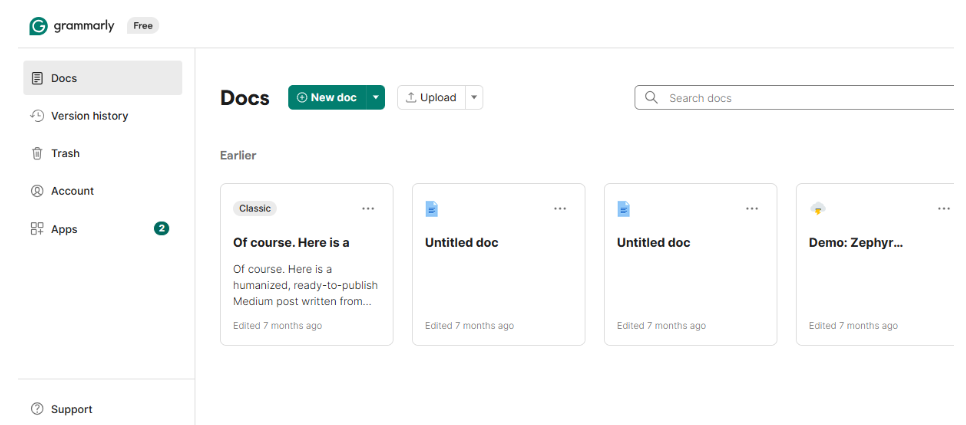
Grammarly shines when it comes to refining and polishing your writing. Even well-written essays can contain small errors that affect clarity and professionalism.
Grammarly’s grammar checker identifies issues that might otherwise go unnoticed. It also provides suggestions for improving sentence structure and readability. Beyond basic corrections, it analyzes tone, helping you ensure your writing matches the intended style—whether formal, academic, or conversational.
One of its most valuable features is plagiarism detection. Grammarly compares your content against a vast database, ensuring originality and helping you avoid academic issues.
Its seamless integration across browsers, apps, and platforms like Microsoft Word makes it convenient to use in any writing environment.
Which Tool Should You Choose?
The answer depends on your specific needs as a student.
If you struggle with rewriting content or organizing ideas, QuillBot is the better choice. It helps you generate and refine text quickly, making the drafting process easier.
If your main concern is submitting error-free assignments, Grammarly is the better option. It ensures your writing is clear, correct, and professional.
For most students, the ideal approach is to use both tools together. Start with QuillBot to draft and rephrase your content, then use Grammarly to polish the final version.
Real Student Workflow Example
A typical essay-writing process using both tools might look like this:
- Use QuillBot to paraphrase research material and create a draft
- Organize ideas and refine sentences using its summarizer
- Run the final draft through Grammarly to fix grammar and tone
- Use Grammarly’s plagiarism checker to ensure originality
This combination maximizes efficiency and quality.
Advantages and Limitations

QuillBot’s biggest strength is its ability to transform text quickly. However, it may not catch all grammar issues or context-specific errors.
Grammarly, while excellent for editing, does not offer advanced paraphrasing capabilities. It focuses more on improving existing content rather than generating new ideas.
Understanding these limitations helps you use each tool more effectively.
Common Mistakes Students Make
Many students rely too heavily on paraphrasing tools without understanding the content. This can lead to poorly structured arguments or loss of meaning.
Another common mistake is skipping the proofreading stage. Even if your essay is well-written, small errors can impact your grades.
It’s important to use these tools as support systems rather than replacements for critical thinking.
Frequently Asked Questions
Is QuillBot better than Grammarly for students?
QuillBot is better for paraphrasing and drafting, while Grammarly is better for editing and polishing. The best choice depends on your needs.
Can I use Grammarly and QuillBot together?
Yes, and this is actually the recommended approach. Use QuillBot for rewriting and Grammarly for final editing.
Which tool is more affordable?
QuillBot is generally more affordable, making it a better option for students on a budget.
Does QuillBot check grammar?
QuillBot has basic grammar features, but it is not as advanced as Grammarly in detecting errors.
Is Grammarly worth it for academic writing?
Yes, Grammarly is highly valuable for ensuring your writing is clear, correct, and plagiarism-free.
Which tool is better for avoiding plagiarism?
Grammarly offers a more comprehensive plagiarism checker, while QuillBot helps by rewriting content effectively.
Choosing the Right Writing Companion for Success
Both Grammarly and QuillBot are powerful tools, but they serve different purposes in the writing process. Instead of choosing one over the other, students can benefit most by using them together.
As academic demands continue to evolve, exploring tools like chatgpt alternatives for students can further enhance your writing and research capabilities. Combining multiple AI tools creates a smarter workflow that improves both speed and quality.
Combining these platforms with other AI tools for students can create a faster and smarter academic workflow.
By understanding how to use each tool effectively, you can write better essays, save time, and achieve stronger academic results.